 RoboPioneer
When a small business needs a connected software workflow
Use a concrete daily process to decide what should be configured, connected or built.
Describe the repeated handoff
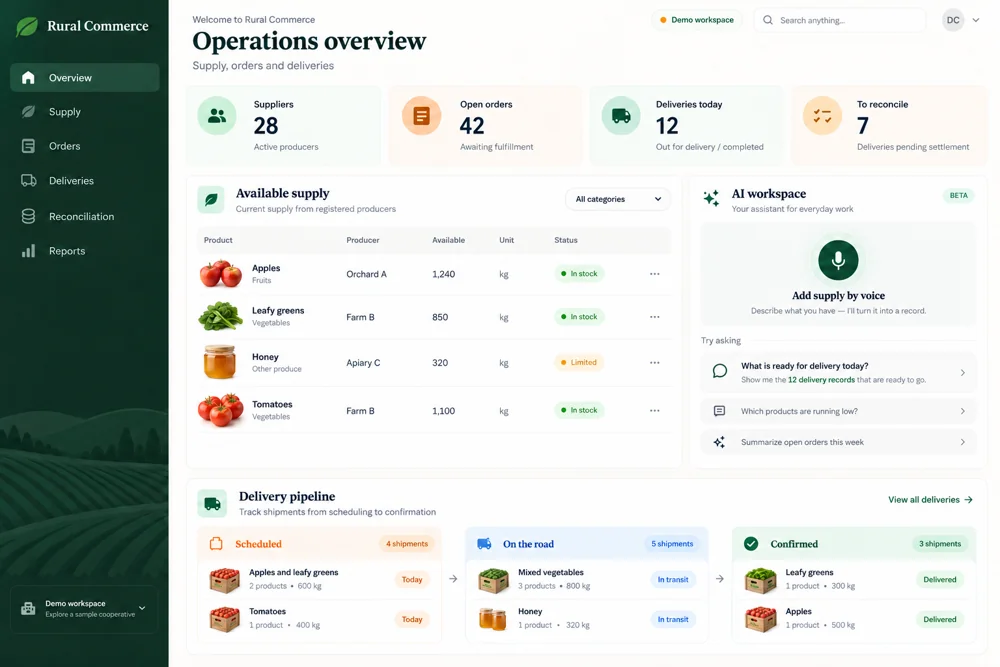
Start with a process that crosses tools or roles: an appointment becoming a sale, a customer request becoming an approval, or a delivery becoming a reconciliation record. Write down what people enter and where they check progress. This makes the problem specific enough to discuss with a product team.
Separate the essential from the optional
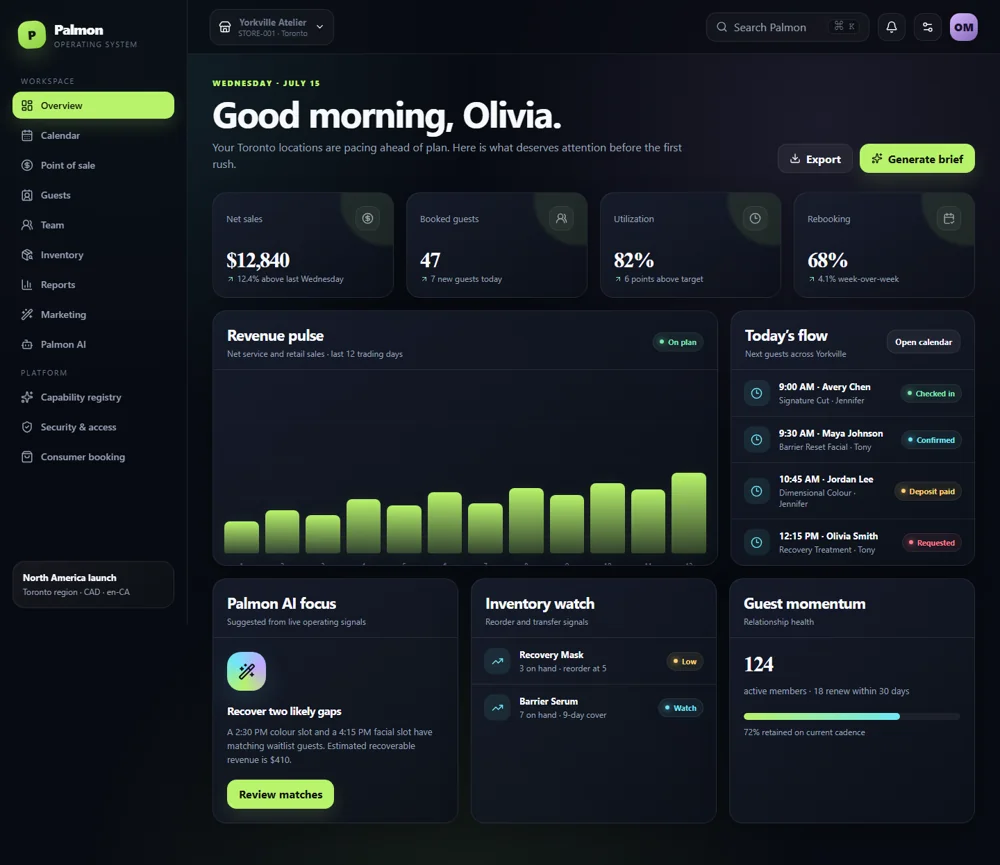
Identify what must work for a complete day of business. Additional reports and automation may be useful, but the central sequence needs to be understandable first. Palm On’s shop-management context illustrates why booking, staff work and checkout should be considered together rather than selected as unrelated features.
Review existing tools and connections
List the systems already holding customer, payment, inventory or accounting information. Decide which should remain authoritative and where an integration is appropriate. The scope of a custom project becomes clearer when ownership of data and responsibility for each step are agreed before the interface is expanded.
Ask for a workflow demonstration
Use sample records to walk through one normal case and one exception. Evaluate what the owner, staff member and customer each see. This is a practical way to compare options and define a focused first release with RoboPioneer, including the integrations and operating requirements that matter to the business.